How does the system handle back order quantities?
Video
Text
Video
Text
1. Login to your Admin Dashboard - https://www.linentech.net/admin
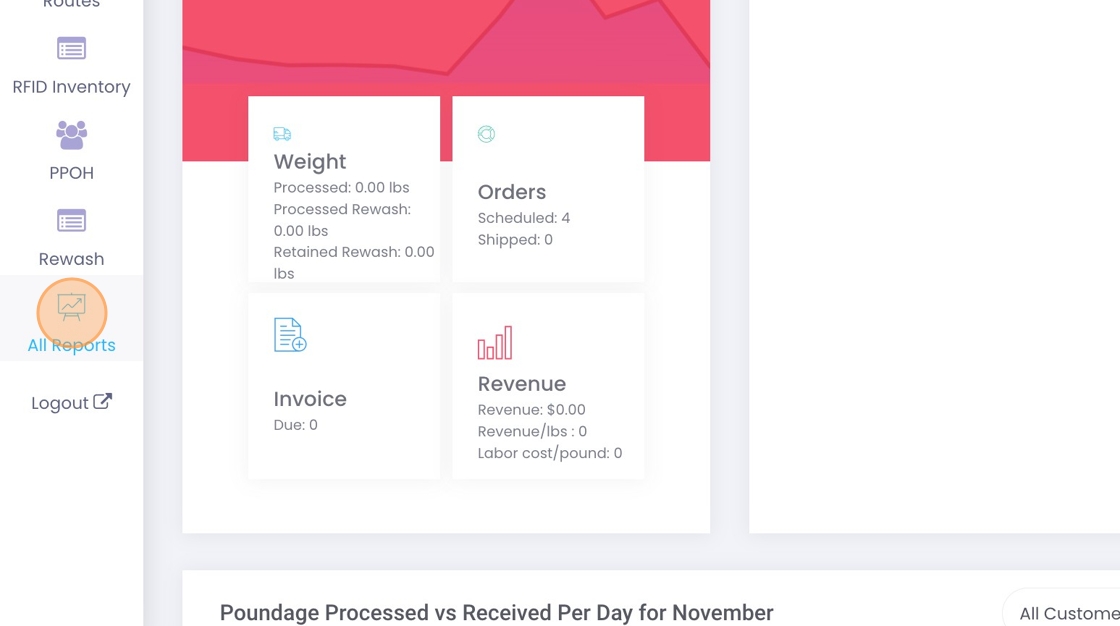
2. Click here on All Reports.
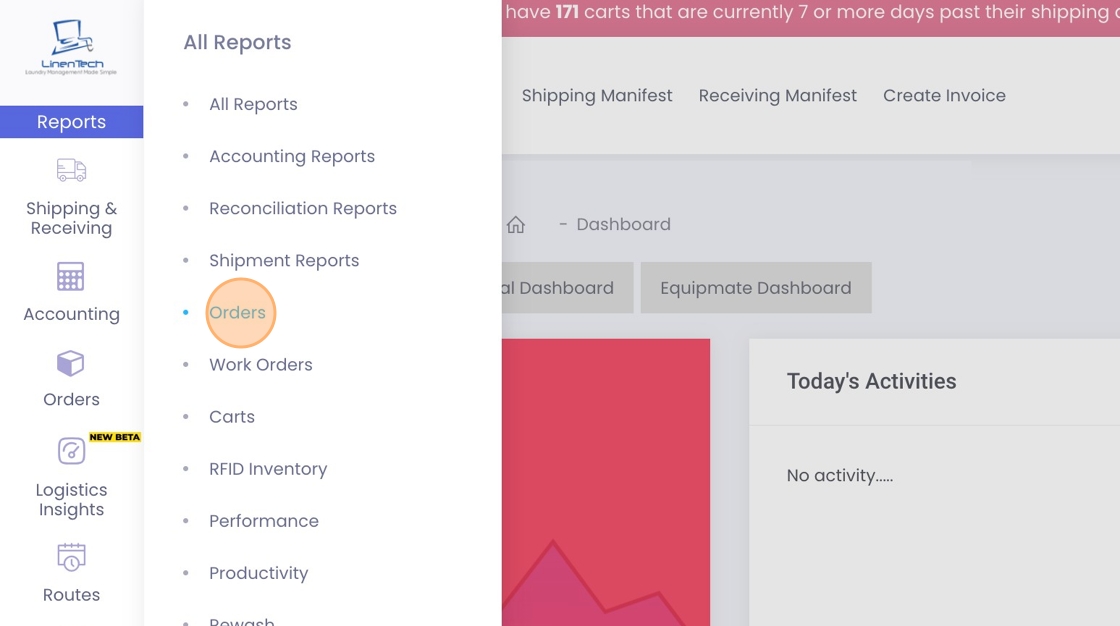
3. Click on "Orders".
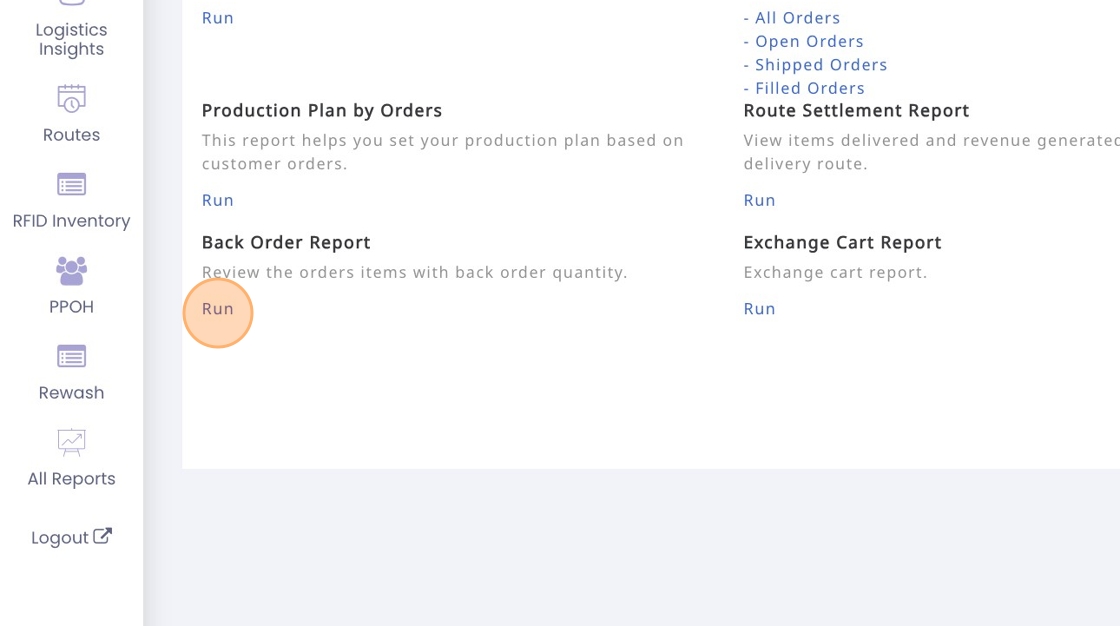
4. Click "Run" under Back Order Report.
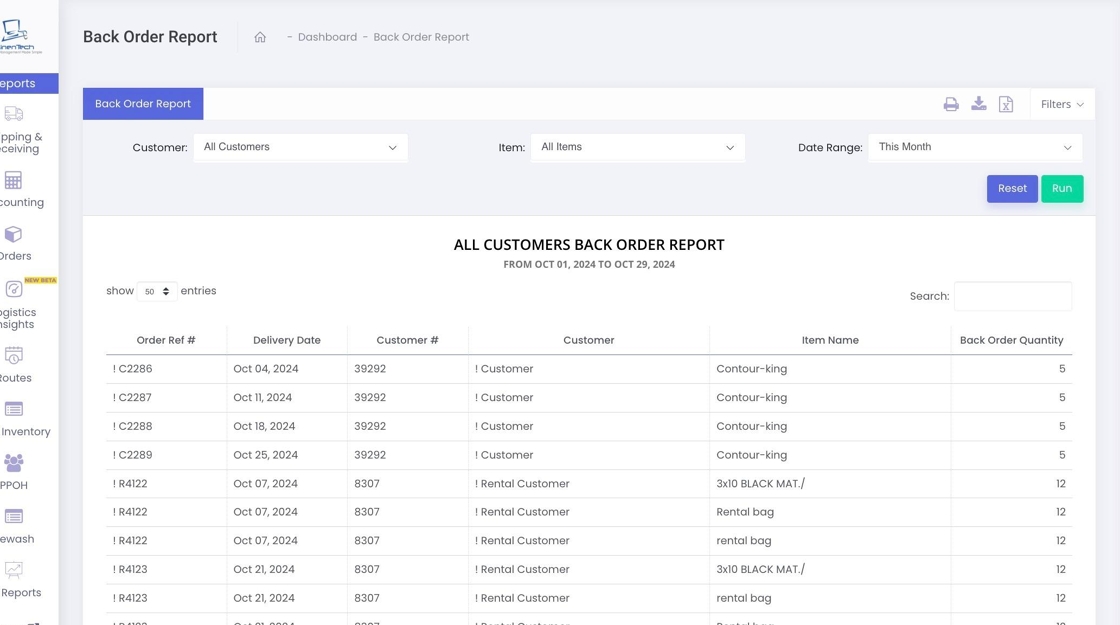
5. This report consolidates all your back orders in one location, allowing you to filter the details by customer, item, and selected dates.
Related Articles
How can I set up recurring orders with varying quantities assigned to specific days?
Video Text Video Text 1. Login to your Admin Dashboard - https://www.linentech.net/admin 2. Select “Orders” to access and manage your order settings. 3. Choose “Multi-Day Recurring Orders” to set up multiple order days, allowing for custom order ...How can I place an order for my customers?
Video Text Video Text 1. Navigate to your Admin Dashboard https://www.linentech.net/admin 2. Click on Orders. 3. Click "Orders List" 4. Click "Add Order" 5. Select the customer for whom you are placing the order. 6. Select department if any. 7. Once ...How can my packers determine the exact quantities to pack for customers for a specific delivery day?
Video Text Video Text 1. Click on Orders. 2. Click on Packing Report that allows the packers to see the quantities for the items to be delivered. 3. The report can be filtered based on various criteria according to your needs. For convenience, it can ...Can I update the order reference number for an order?
Video Text Video Text 1. Login to your Admin Dashboard - https://www.linentech.net/admin 2. Click the gear icon to open the settings dropdown menu. 3. Click on "Order" to open Order Settings. 4. Click on "Order Misc Settings". 5. Enable the option to ...Can I upload my orders to the system?
Video Text Video Text 1. Login to your Admin Dashboard - https://www.linentech.net/admin 2. Click "Orders" 3. Click the dropdown icon to download the sample Excel file. This provides a template you can modify with your order details. 4. After ...