How can I set different item prices for different customer departments?
Text
Video
Text
How can I set different item prices for different customer departments?
1. Navigate to https://www.linentech.net/admin
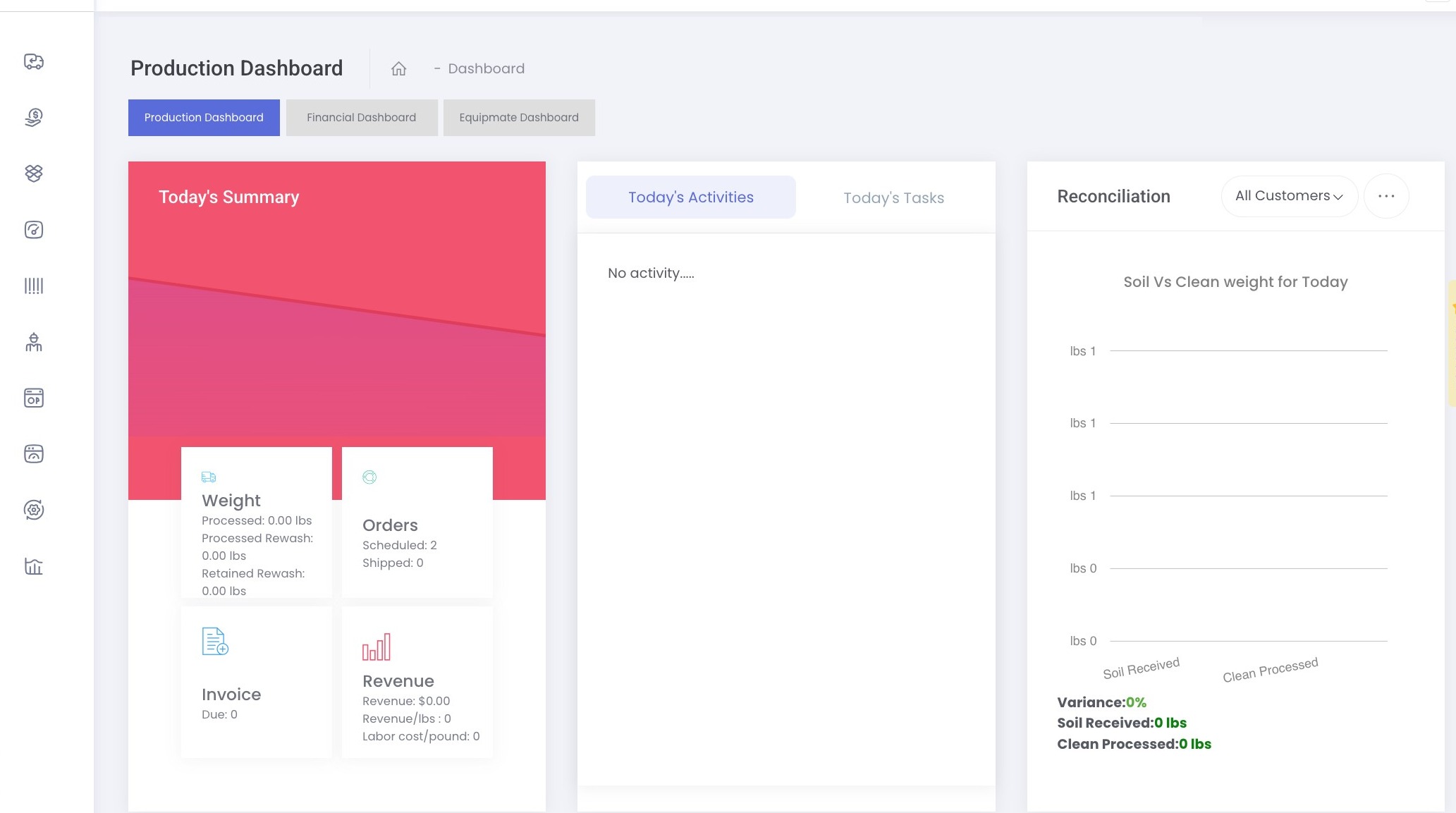
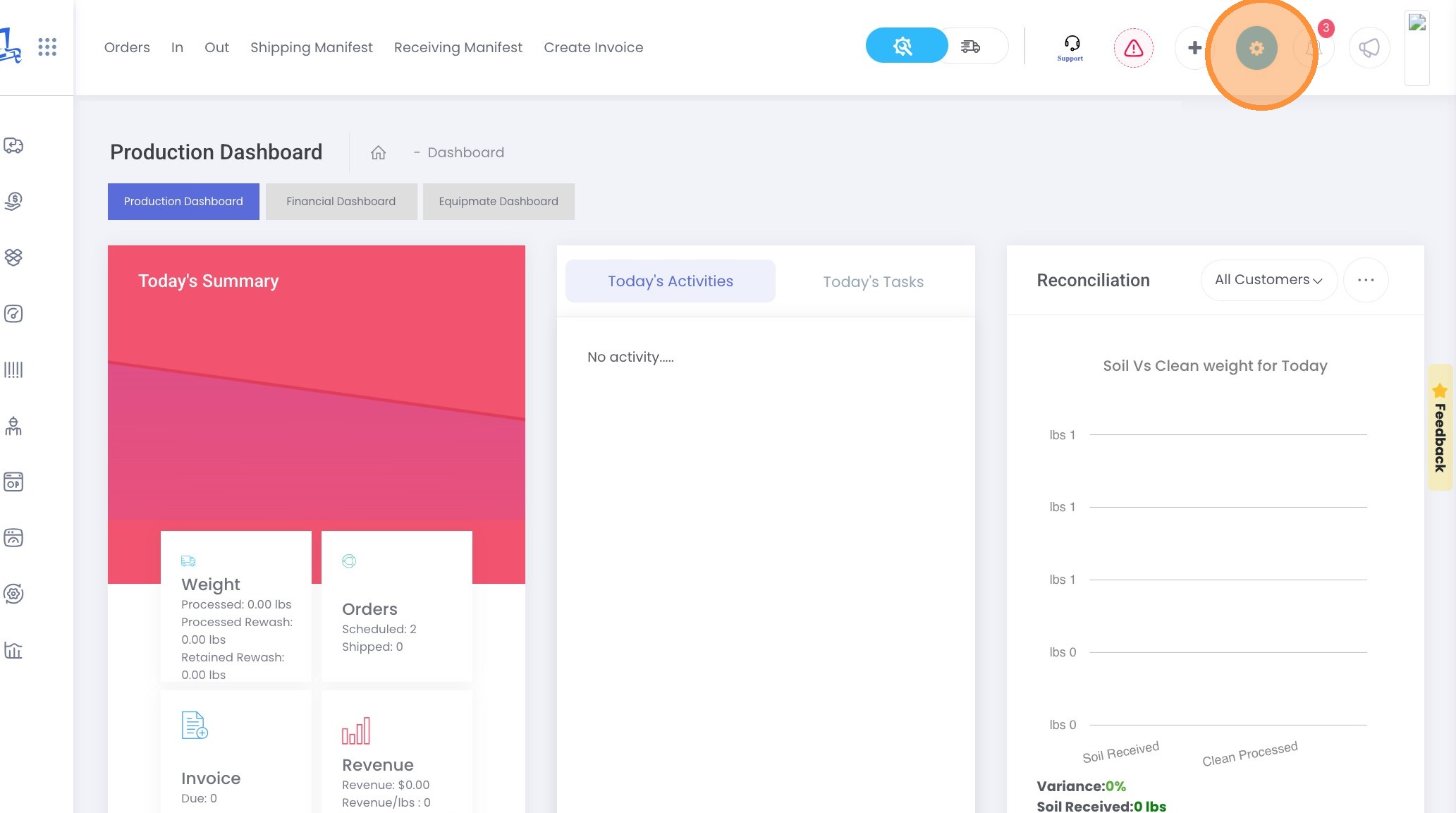
2. Click Gear icon.
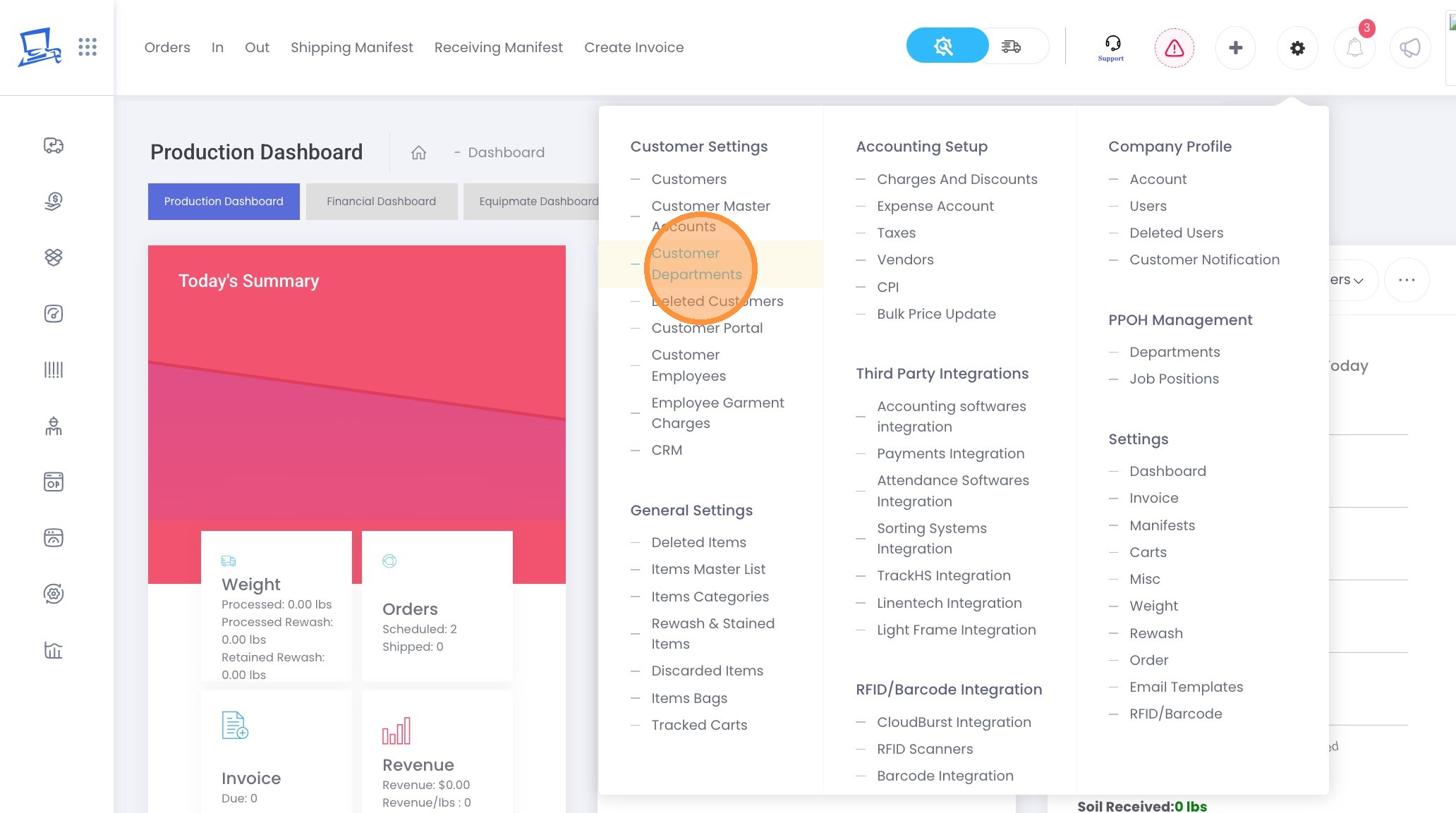
3. Click "Customer Departments"
4. Select the Customer
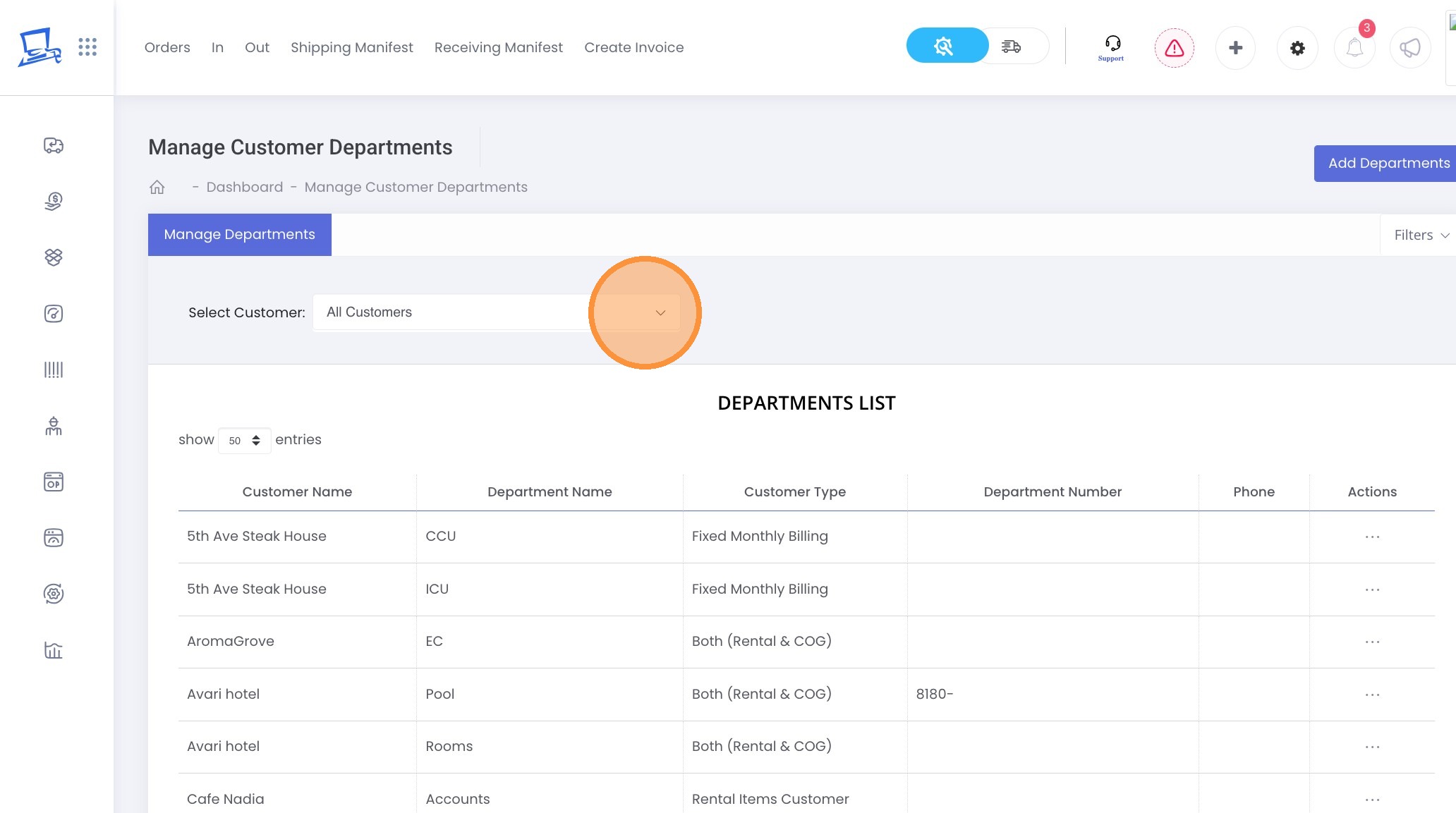
5. Click on the three dots next to the department for which you want to change the prices.
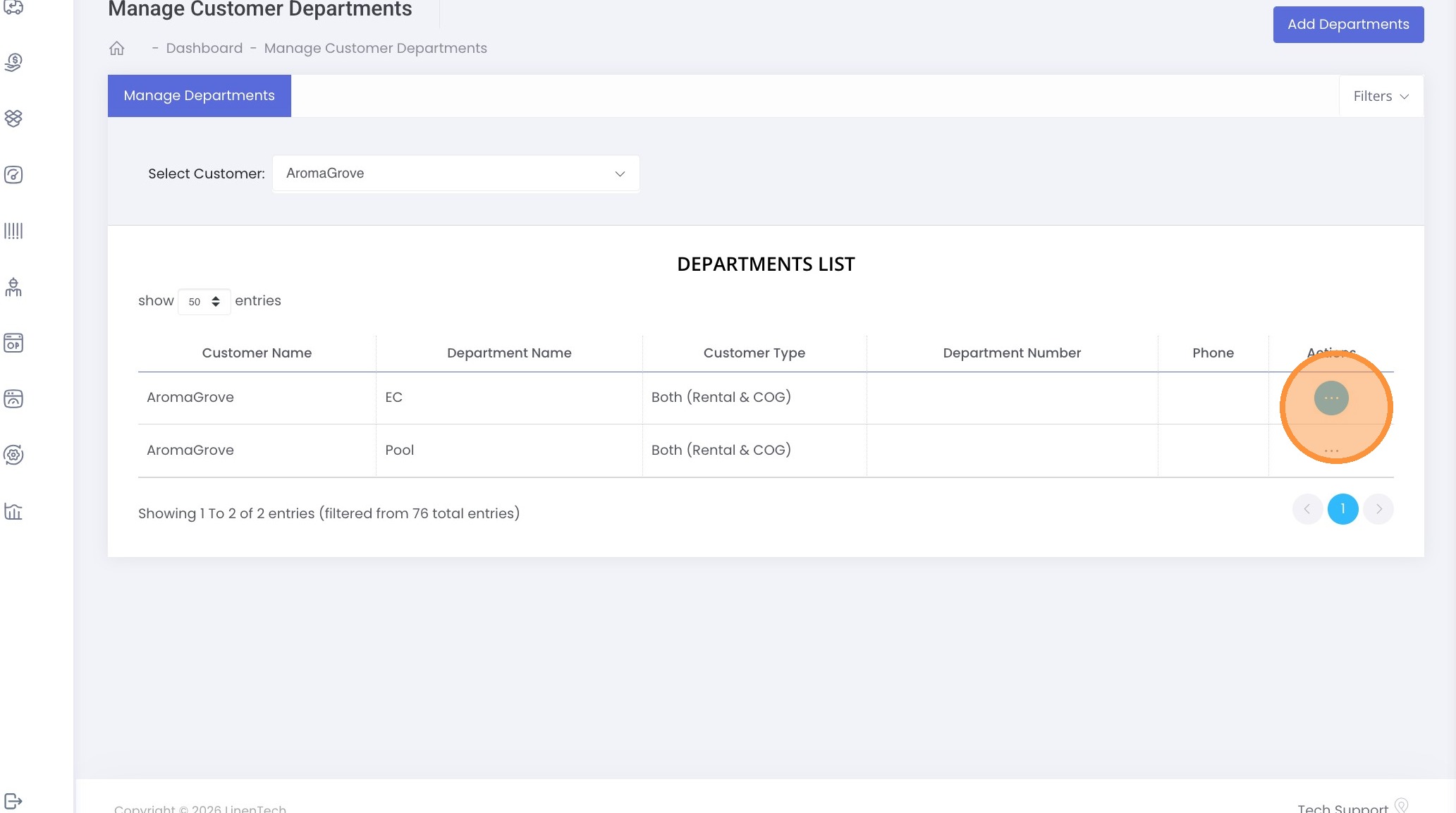
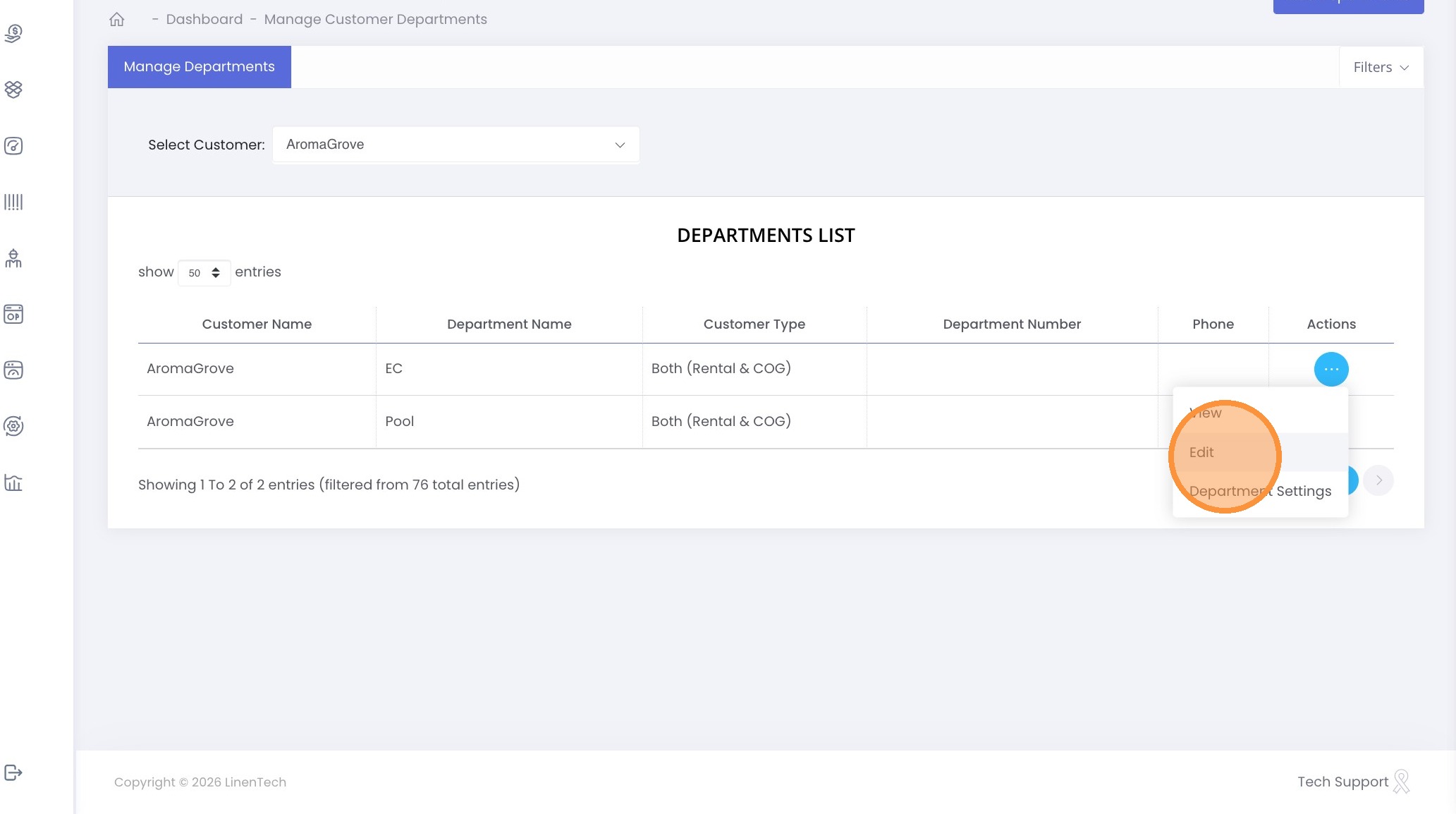
6. Click "Edit"
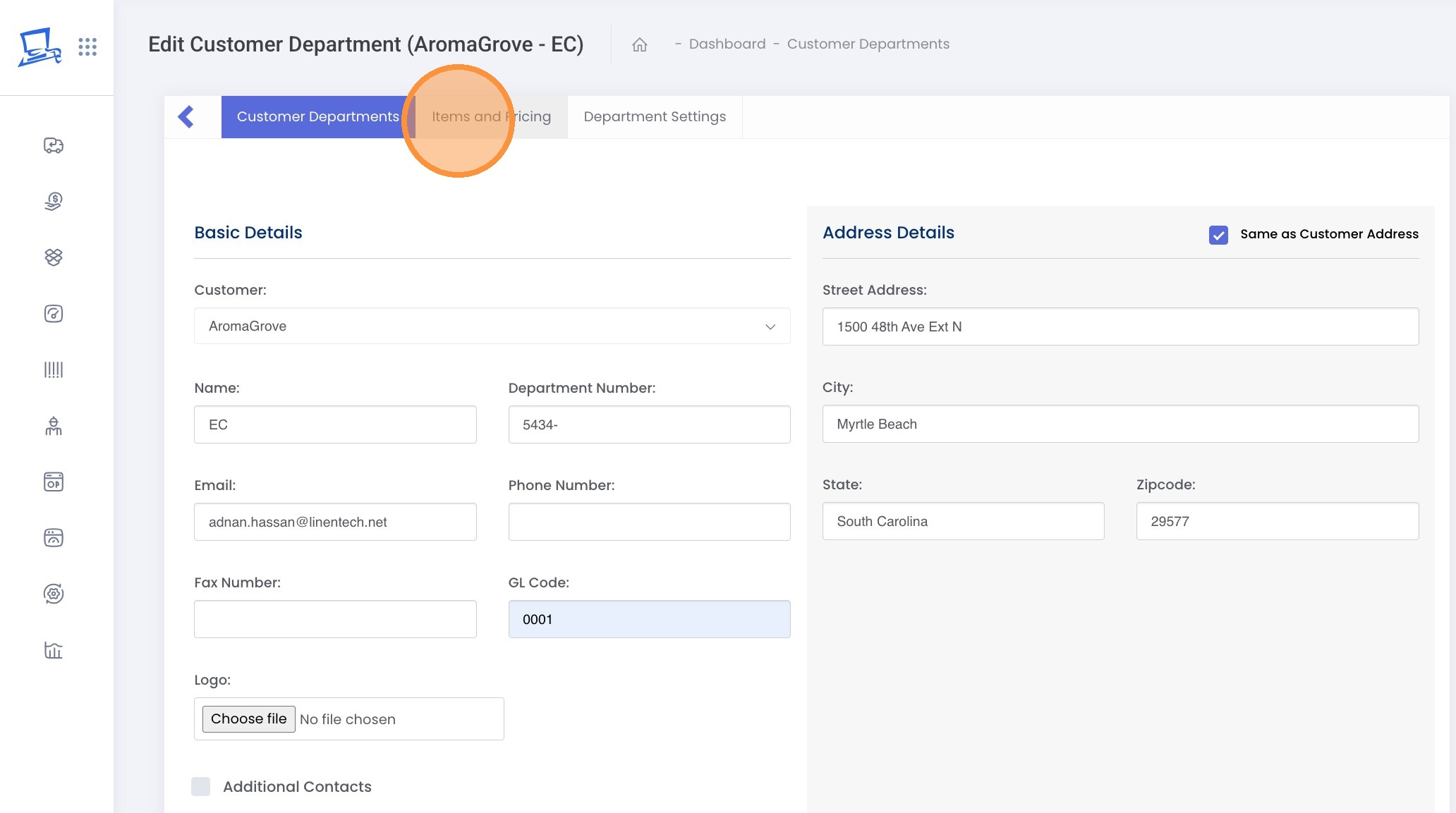
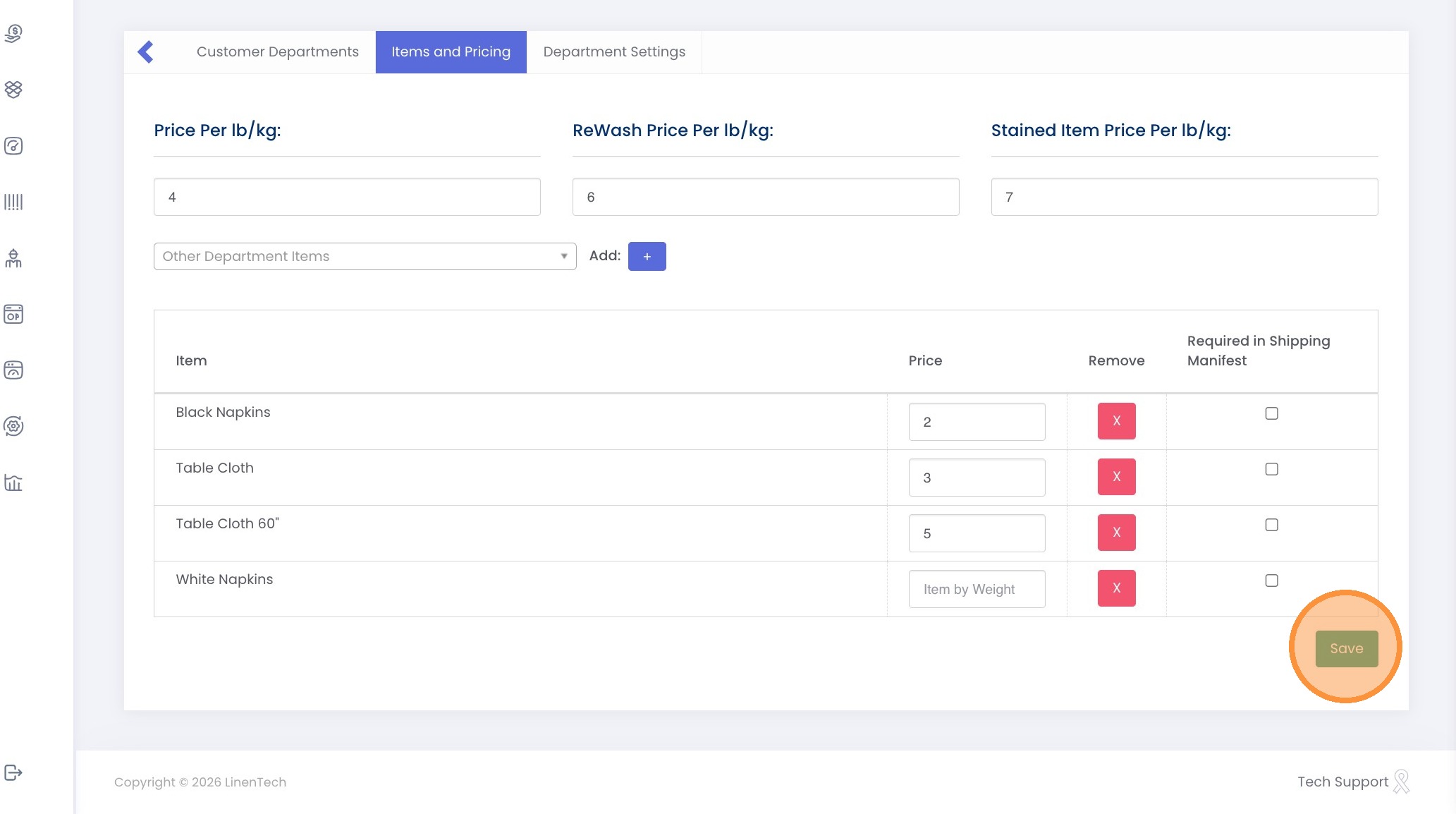
7. Click "Items and Pricing"
8. Enter the prices.
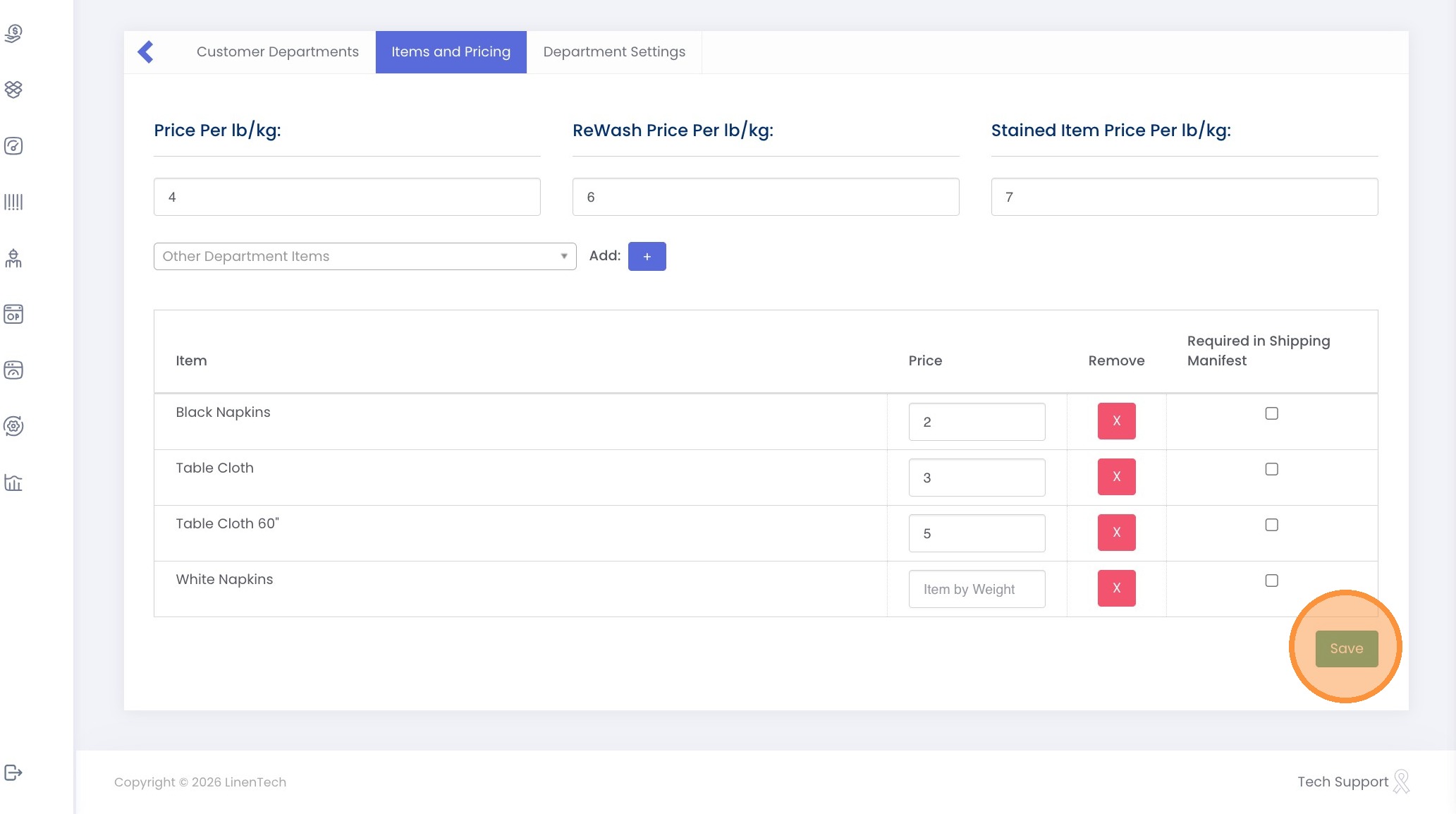
9. Click "Save"
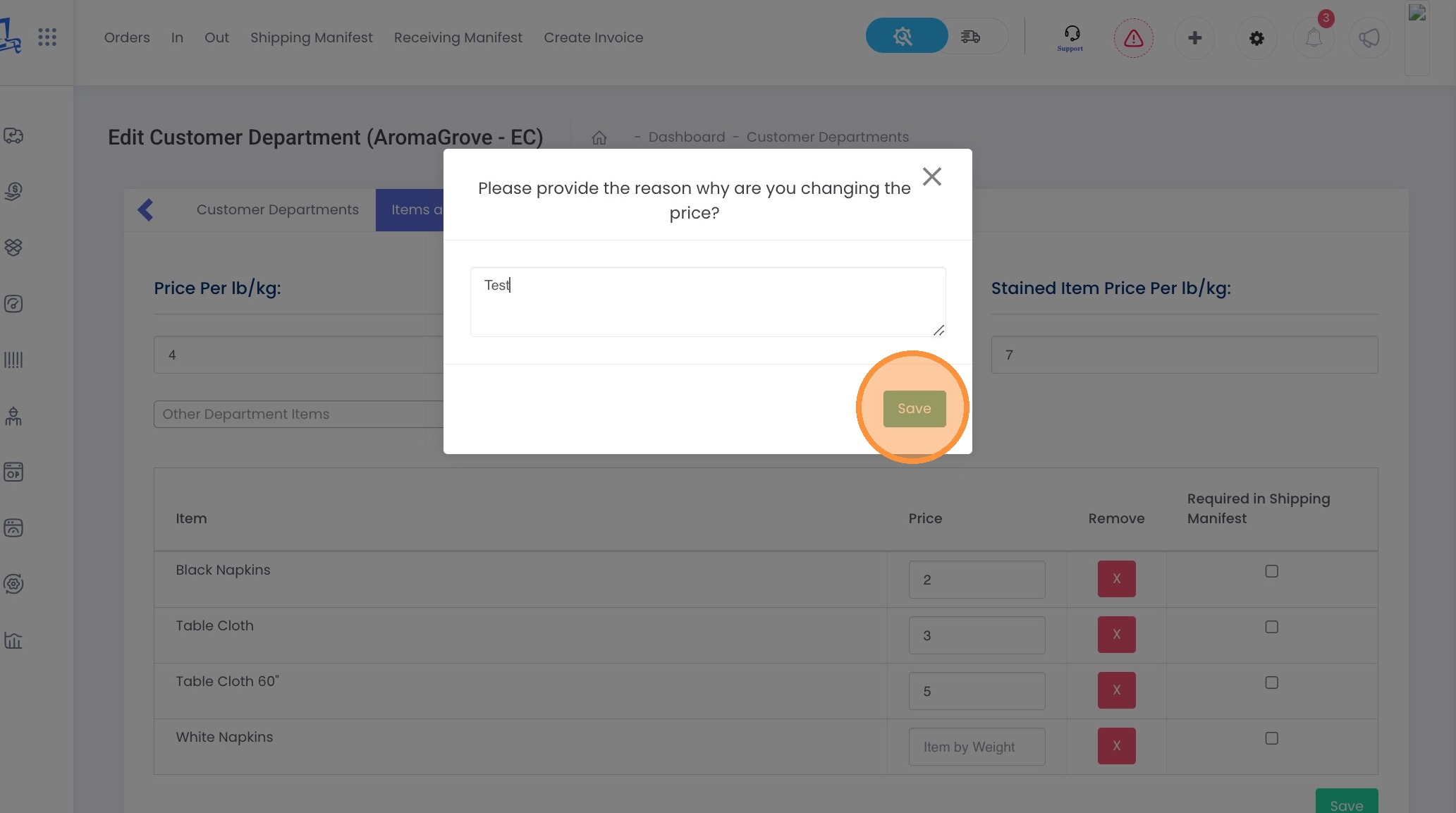
10. Enter the reason for the price change and click "Save."
Video
Related Articles
How can I set a minimum quantity limit for a specific item?
Video Text Video Text 1. Login to your Admin Dashboard - https://www.linentech.net/admin 2. Click on All Reports in the left column. 3. Click "All Reports" 4. Open "Inventory". 5. Click "Run" under Min Quantity. 6. To set the minimum quantity for an ...How can I set up recurring orders with varying quantities assigned to specific days?
Video Text Video Text 1. Login to your Admin Dashboard - https://www.linentech.net/admin 2. Select “Orders” to access and manage your order settings. 3. Choose “Multi-Day Recurring Orders” to set up multiple order days, allowing for custom order ...How can we set up inventory par levels for a customer and bill them accordingly based on those levels?
Video Text Video Text 1. Login to your Admin Dashboard - https://www.linentech.net/admin 2. Click on "All Reports" in the left-hand column of your screen. 3. Click "All Reports" 4. Click "Inventory" 5. Click "Run" button under Par Level / Max ...Can I set inventory par for a customer at department level?
Video Text Video Text 1. Navigate to https://www.linentech.net/admin 2. Click on the + sign 3. Click "Department Par Level" 4. Click "Add Department Par Level" 5. Select Customer 6. Select Department 7. Select Days 8. Add the location ID 9. Select ...We charge customers for a minimum quantity in our business. How do I set that up in LinenTech?
Video Video Text Text 1. Click on the gear icon. 2. Click "Customers" 3. Click on three dots next to the customer you wish to bill for the minimum quantities. 4. Click "Edit" 5. Click "General Questions" 6. Change the Billing Procedure to "Set ...